
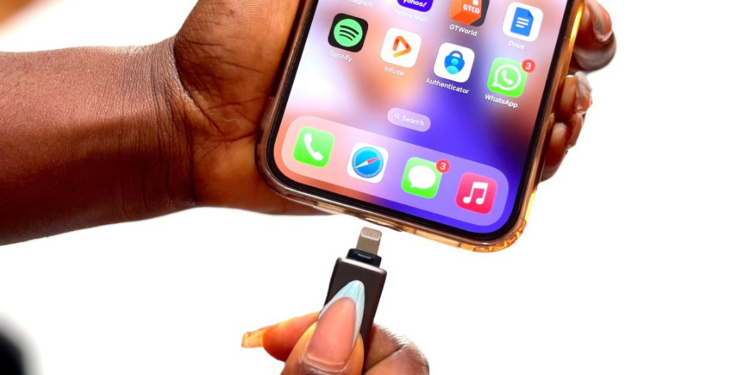
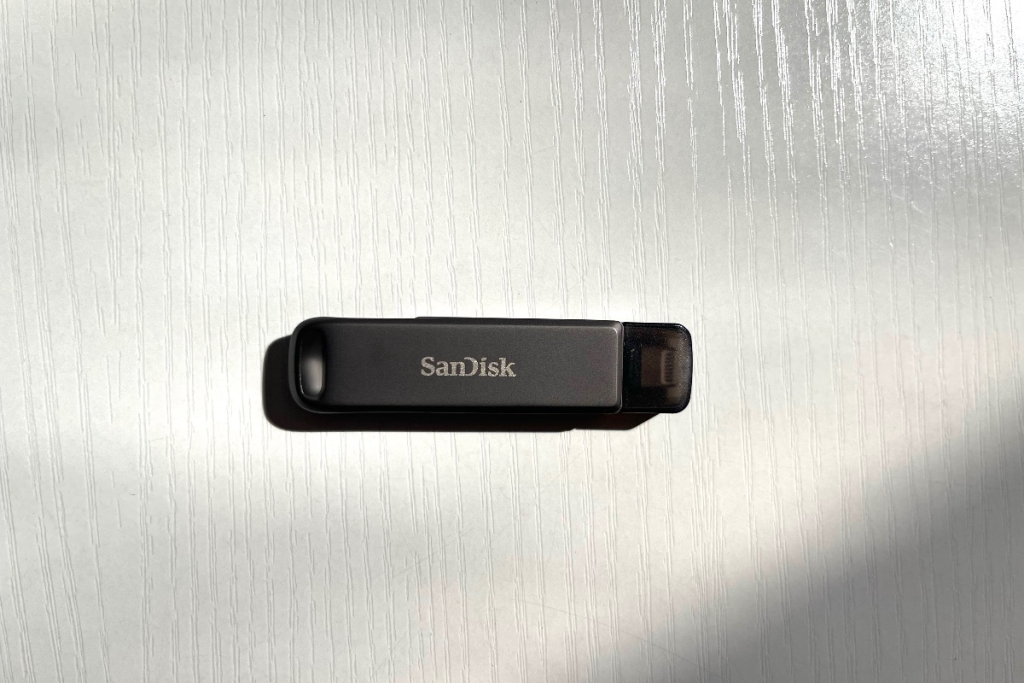
Unboxing the iXpand Flash Drive Luxe, the first thing that struck me was its premium metal design. It feels sturdy, not like the flimsy plastic drives we’re used to. The dual connector setup—Lightning on one side, USB Type-C on the other—ensures smooth file transfers between iPhones, iPads, and USB-C devices (think Androids, Macs, and even some PCs).
First Impressions: Sleek but Functional?
Unboxing the iXpand Flash Drive Luxe, the first thing that struck me was its premium metal design. It feels sturdy, not like the flimsy plastic drives we’re used to. The dual connector setup—Lightning on one side, USB Type-C on the other—ensures smooth file transfers between iPhones, iPads, and USB-C devices (think Androids, Macs, and even some PCs).
It’s small enough to fit on a keychain but feels durable enough to survive daily use. No caps to lose, just a rotating metal cover—practical and minimal.
Setup: Plug, Play, Update
Connecting the drive to my iPhone was straightforward. It prompted me to download the SanDisk iXpand Drive app, which acts as the bridge between the drive and my device. Upon launching, the app immediately suggested a firmware update (v3.9.50.83). Quick and painless.
Performance: Speed and Convenience?
Now, here’s where things get interesting. I had a few key expectations
- Fast file transfers: No one has time to wait.
- Seamless backup: I want automation, not another task on my to-do list.
- Direct media playback: Can I watch movies straight from the drive?
File Transfer: Fast, but Limited by FAT32
Dragging and dropping photos, videos, and documents worked flawlessly between my iPhone and a USB-C laptop. The drive speeds were decent, but here’s the thing: it’s formatted as FAT32. This means individual files can’t exceed 4GB, which might be an issue for anyone handling large 4K videos. Thankfully, reformatting to exFAT solves this issue.